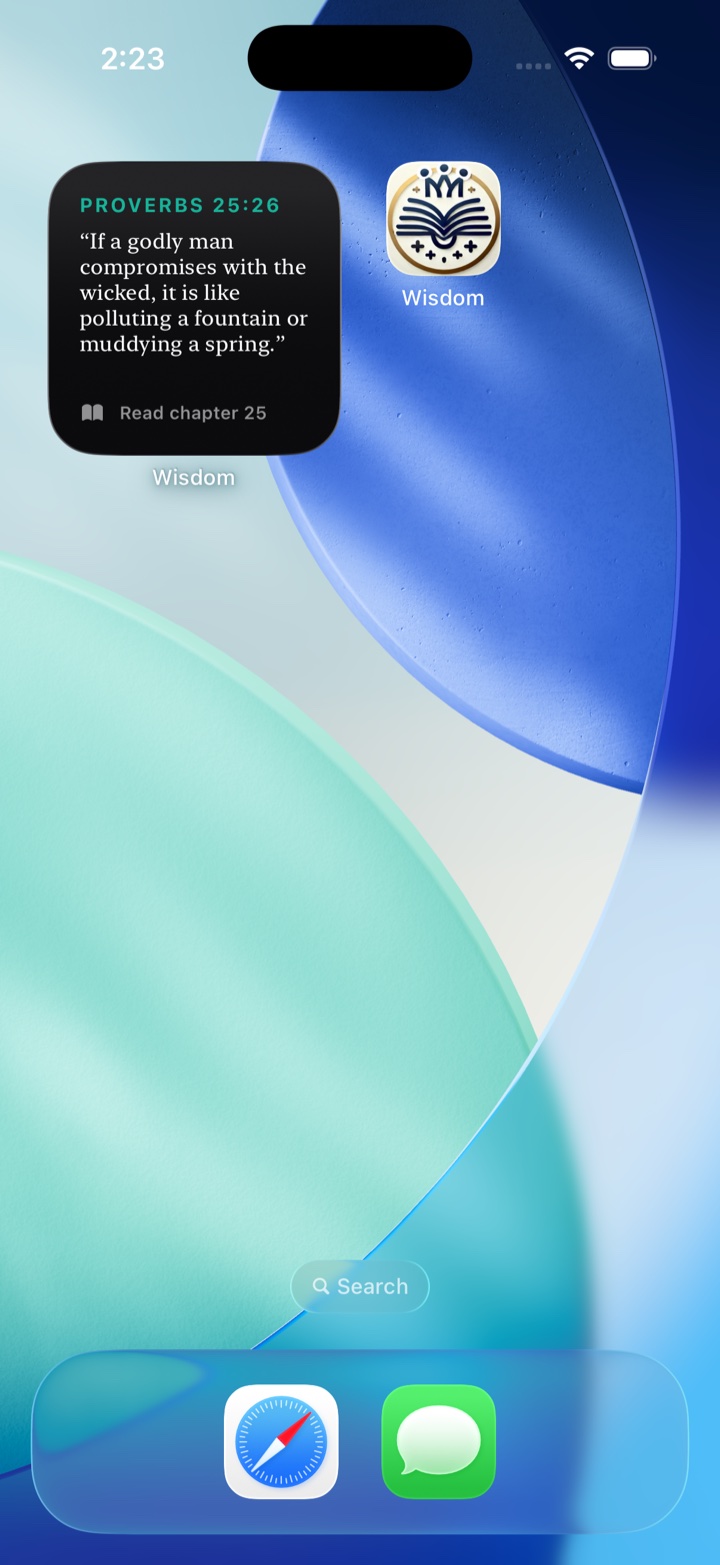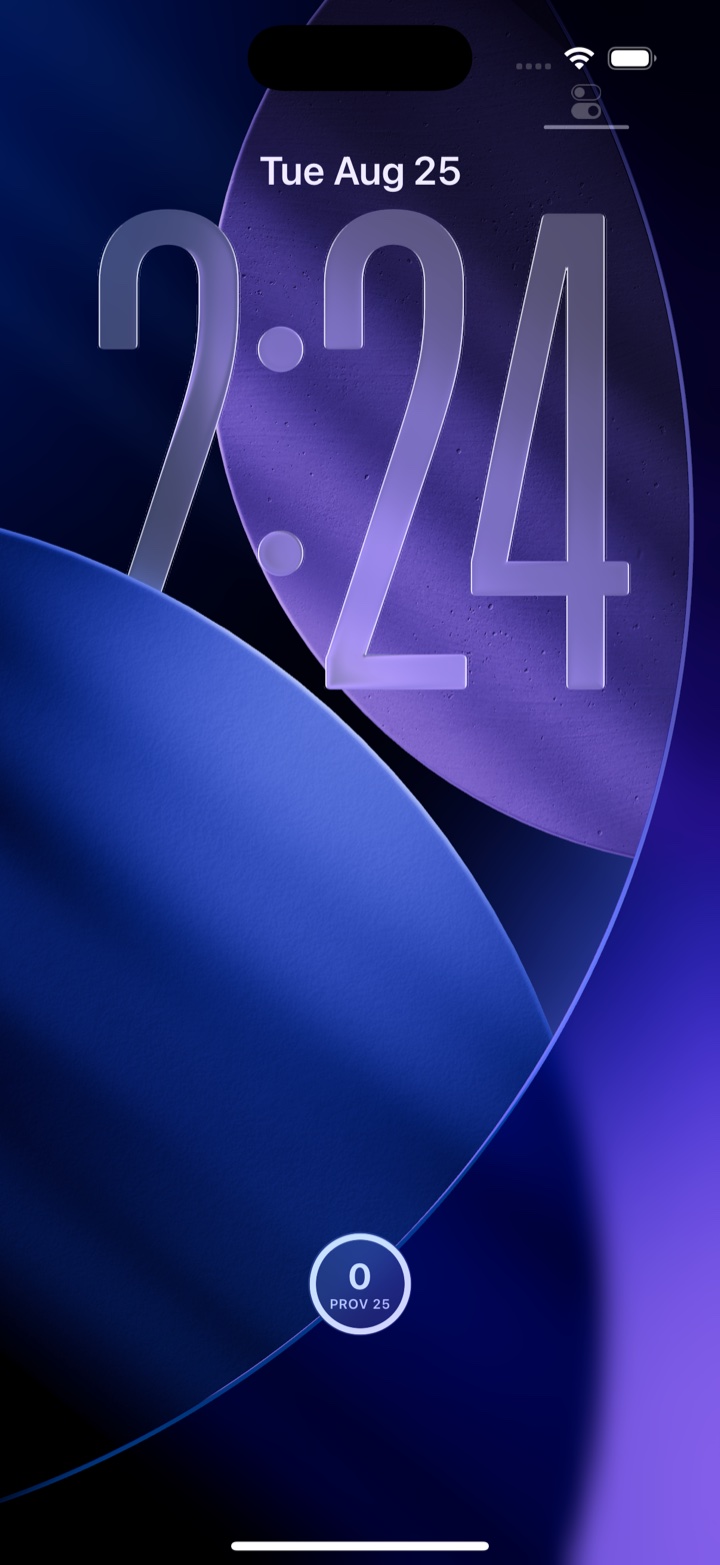

Put the daily verse on your Home Screen
Start on your Home Screen, where your app icons are.
-
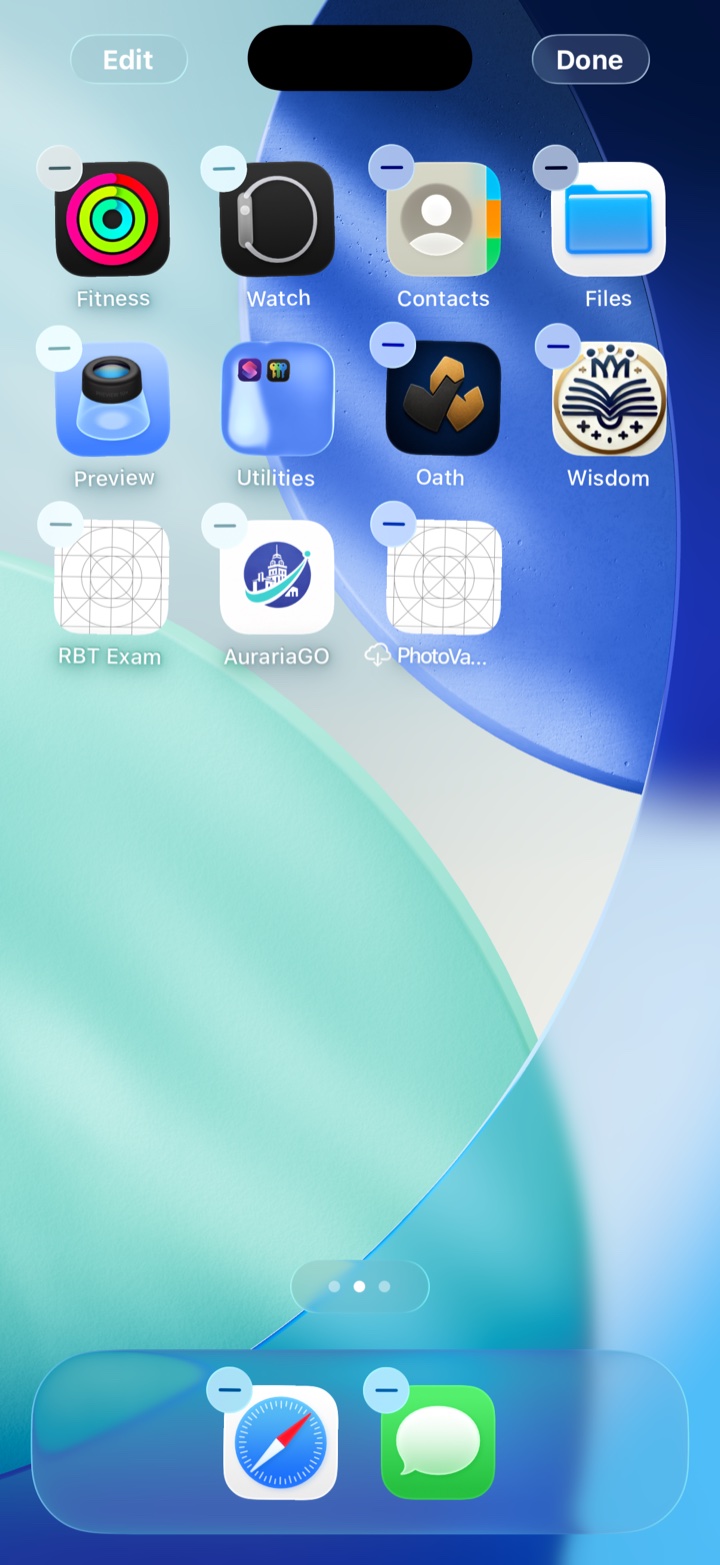
Press and hold an empty spot
Press your finger on a part of the screen with no icon on it, until the icons wiggle. Lift your finger.
Wiggling icons are normal.
-
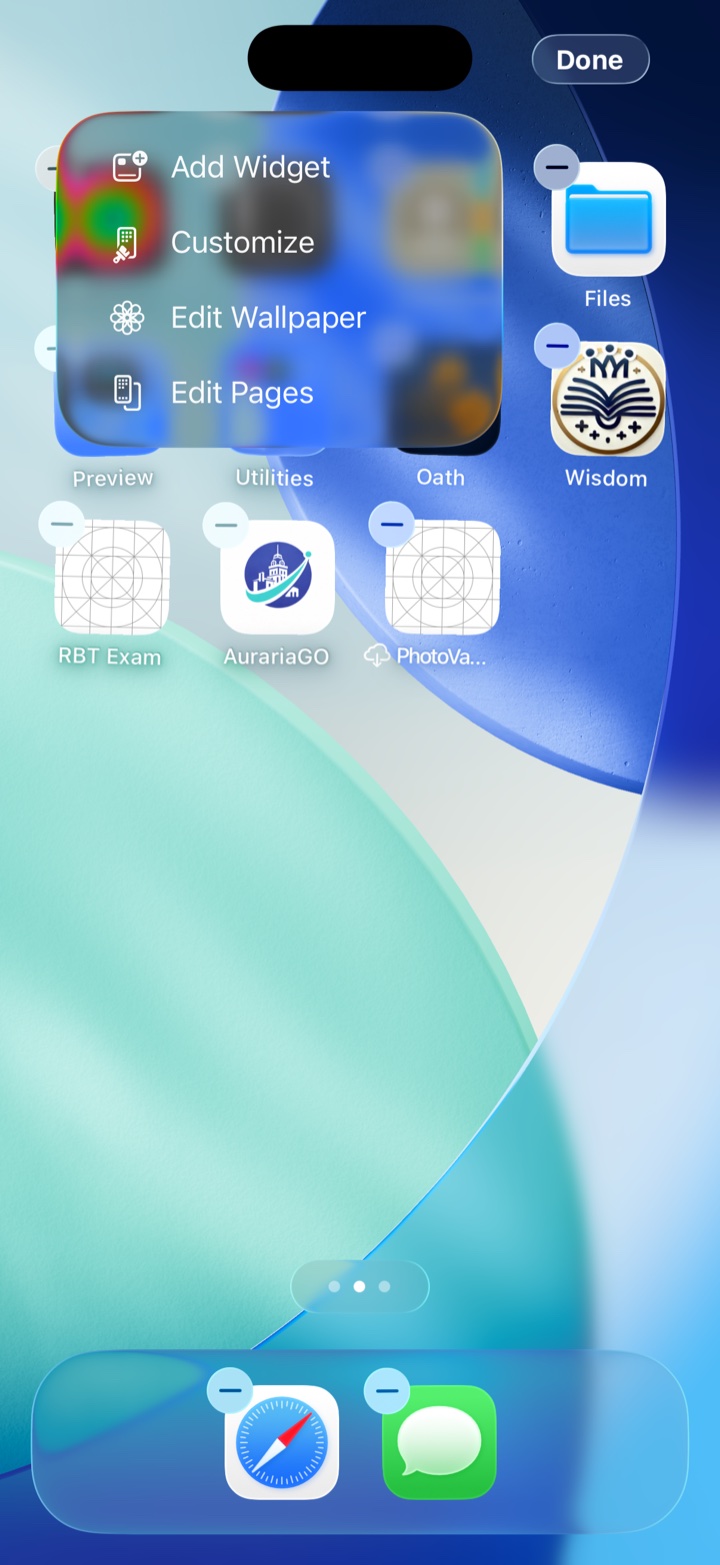
Tap “Edit”, then “Add Widget”
Tap Edit in the top-left corner, then tap Add Widget.
-
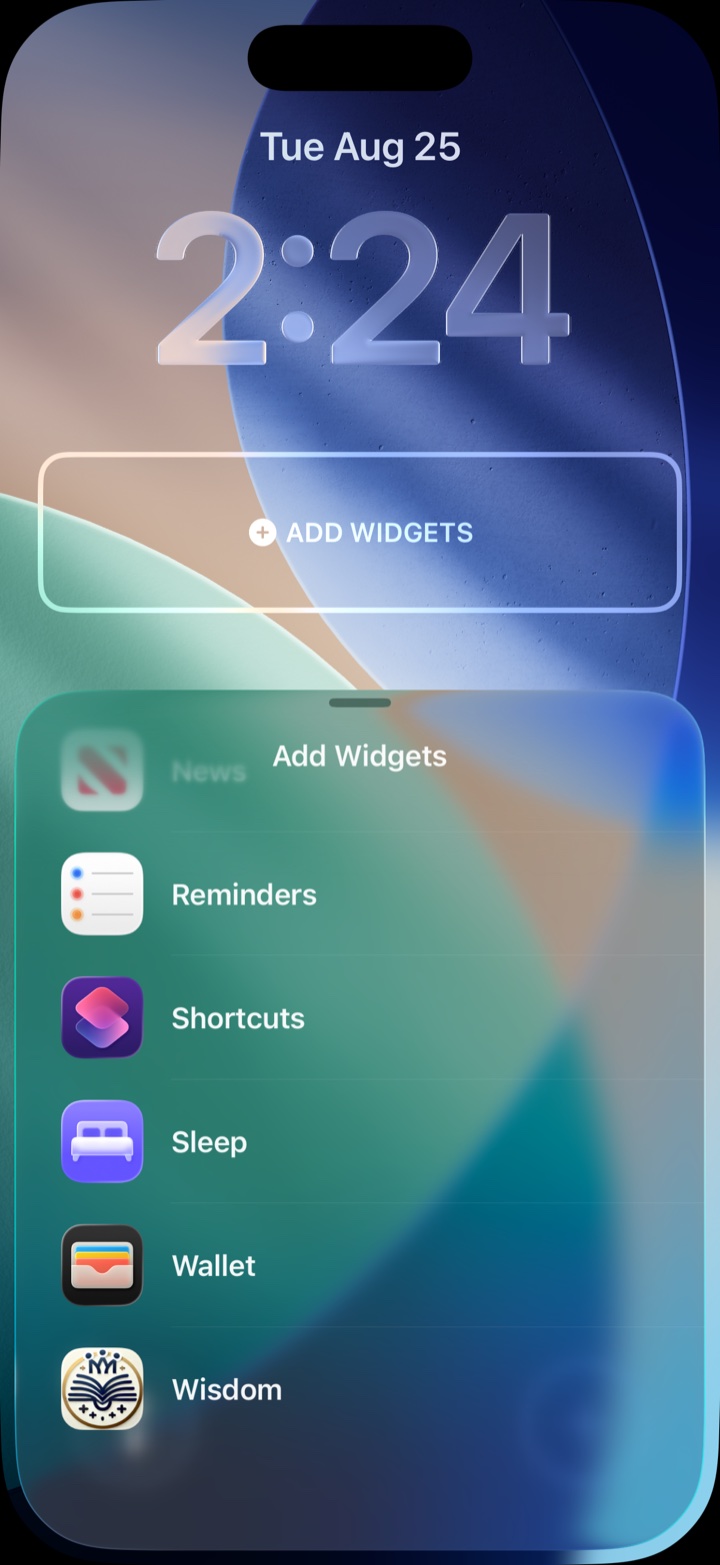
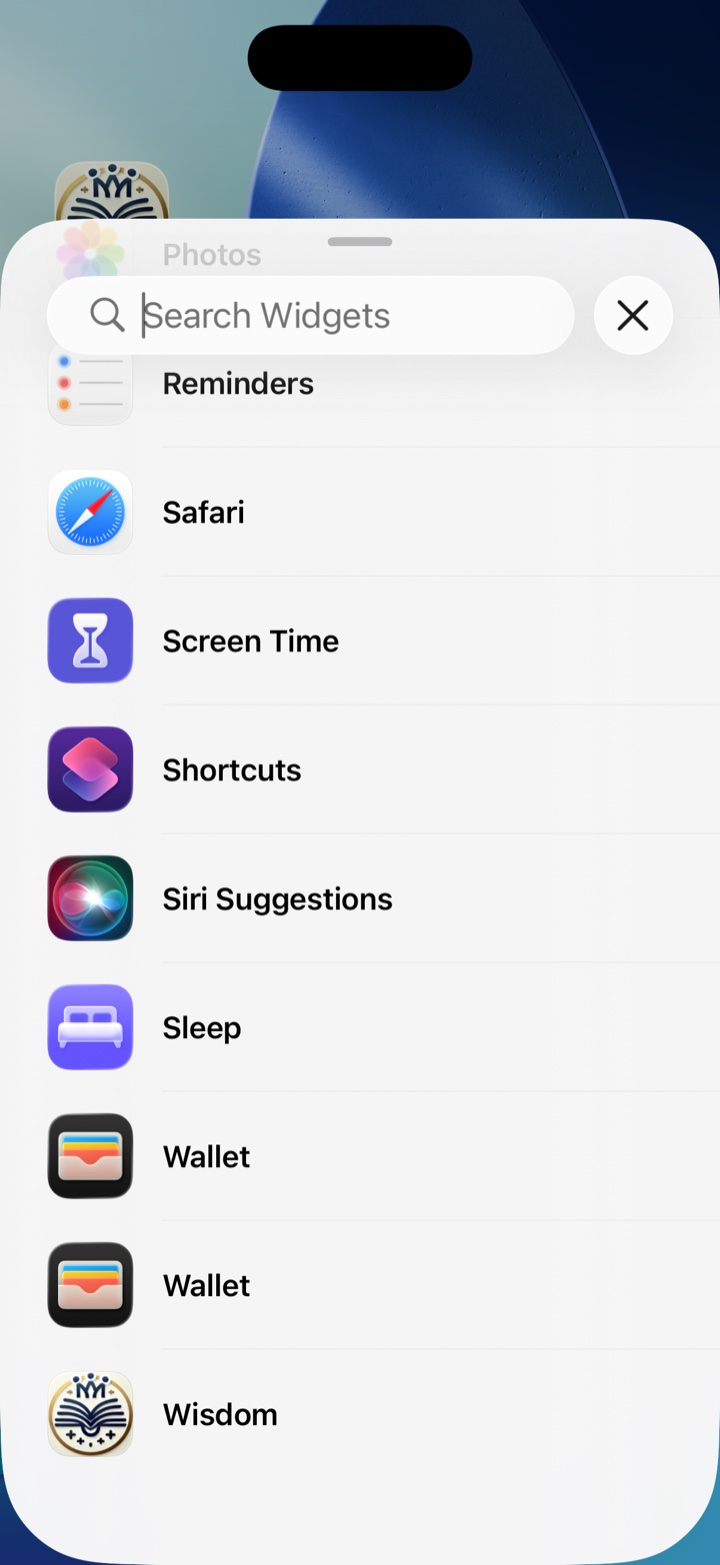
Search for Wisdom
Type Wisdom in the search box at the top, then tap Solomon's Wisdom in the list.
-
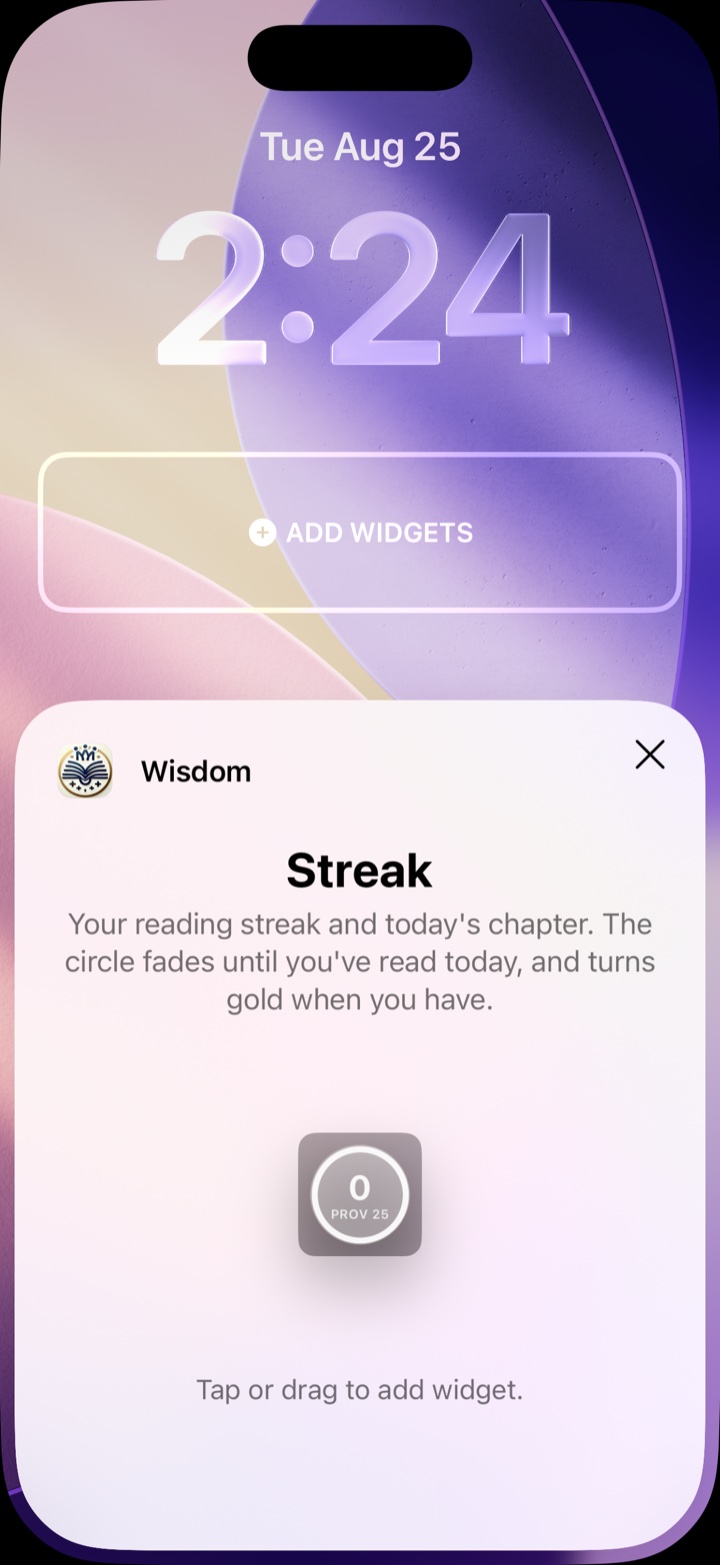
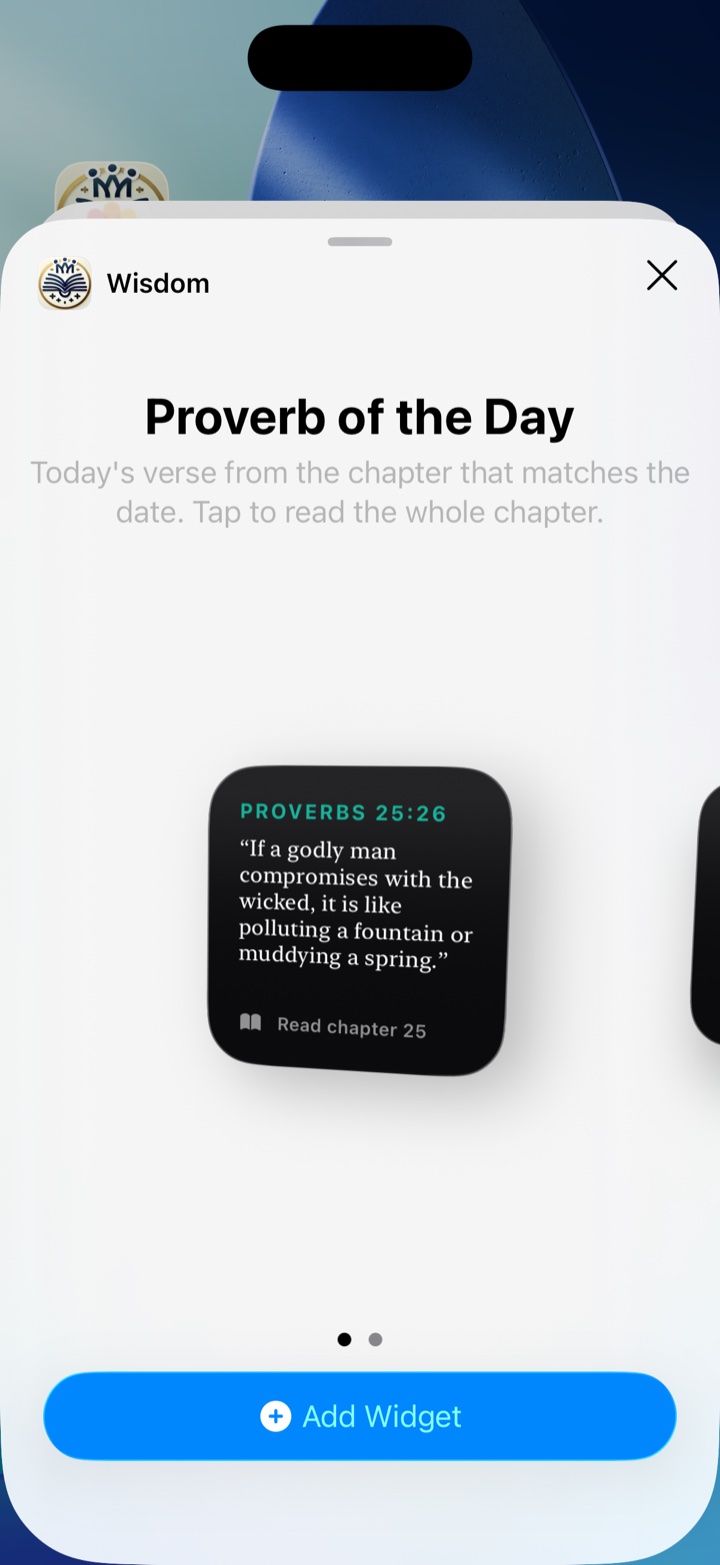
Pick a size and add it
Swipe left or right across the preview to pick a size, then tap the blue + Add Widget button.
The wider size fits more of the verse. You can change it later.
-
Tap “Done”
Tap Done in the top-right corner.
Tap the widget any time and today's chapter opens.